|
|
4 Steps for a Good Presentation |
|
Creating and presenting a good slide show
requires preparation and thought. A good slide can be created using any of
the popular applications (Microsoft, Libre, or Google). But whether you use Powerpoint, Impress or Sheets, there are 4 steps that can
help you create good presentations. |
|
|
|
|
|
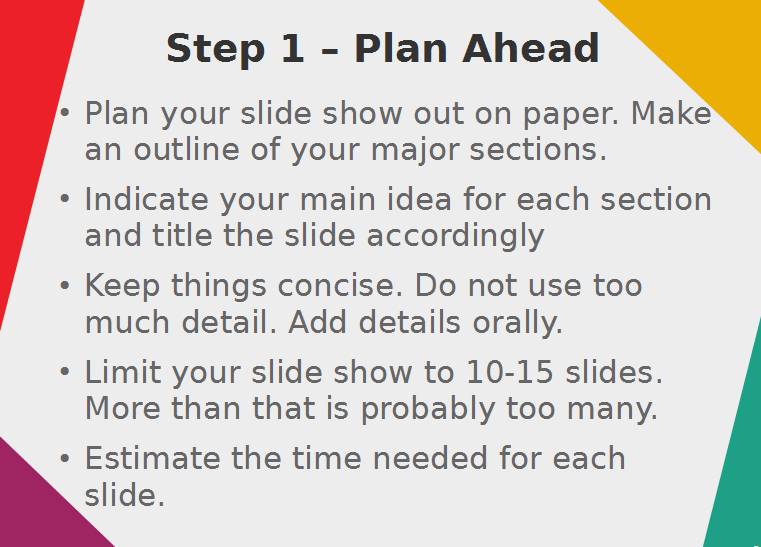
Step 1 – Plan your presentation o
Plan your slide show out on paper. Make an
outline of your major sections. o
Indicate your main idea for each section and title
the slide accordingly o
Keep things concise. Do not use too much
detail. Add details orally. o
Limit your slide show to 10-15 slides. More
than that is probably too many. o
Estimate the time needed for each slide. |
|
|
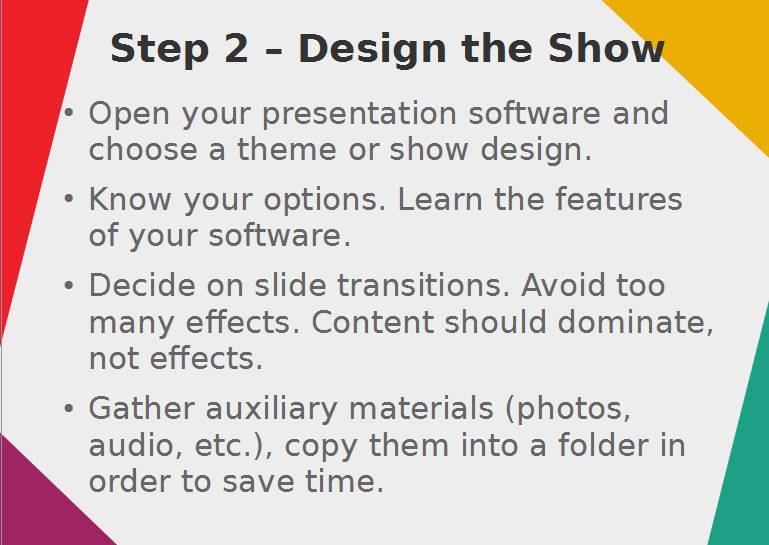
Step 2 – Design the Show o
Open your presentation software and choose a
theme or show design. o
Know your options. Learn the features of your
software. o
Decide on slide transitions. Avoid too many
effects. Content should dominate, not effects. o
Gather auxiliary materials (photos, audio,
etc.), copy them into a folder in order to save
time. |
|
|
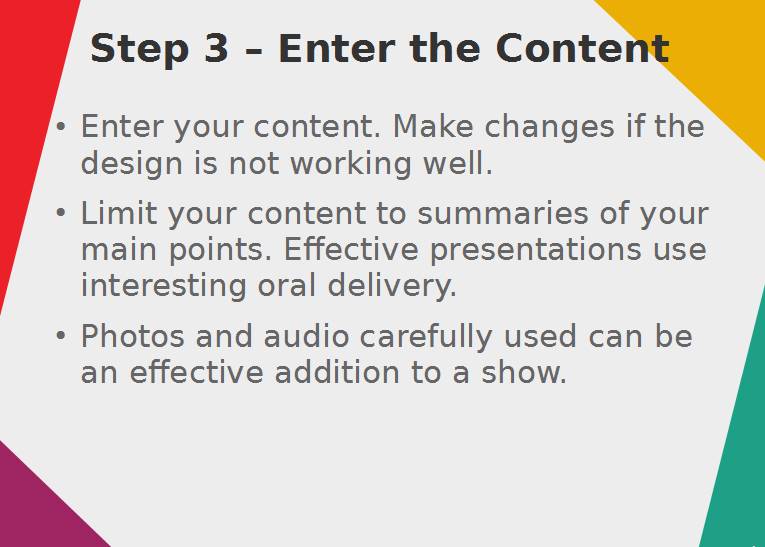
Step 3 – Enter the Content o
Enter your content. Make changes if the design
is not working well. o
Limit your content to summaries of your main
points. Effective presentations use interesting oral delivery. o
Carefully used, photos and audio can be an
effective addition to a show. |
|
|
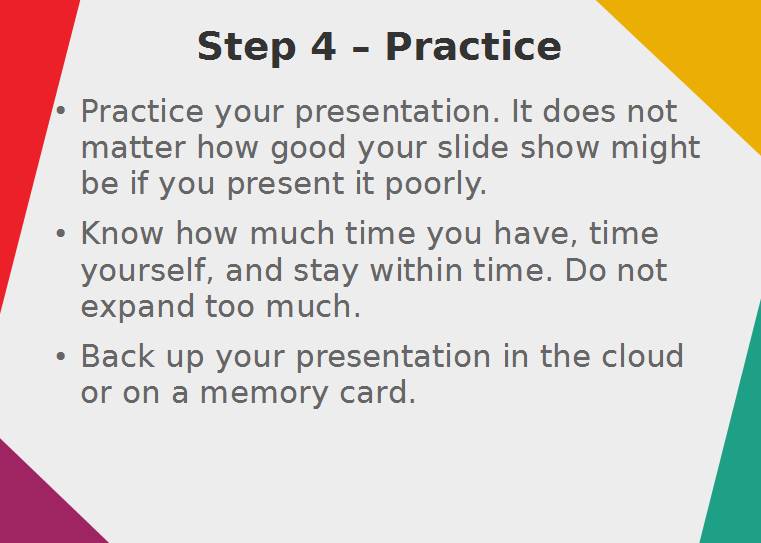
Step 4 – Practice the Show o
Practice your slide show presentation. It does
not matter how good your slide show might be if you present it poorly. o
Know how much time you have, time yourself, and stay within time. Do not expand too much. o
Back up your presentation in the cloud or on a
memory card. |
|
|
|
|
|
|
|
|
|
|